
What can I see before I arrive?
Follow directions and see the remaining distance. The destination name appears on your receipt when you arrive.

A surprise at the end of every walk
Pick a distance or time and the kind of place you feel like visiting. 走走看 picks a nearby destination and reveals it when you get there.
iPhone · iOS 17 or later · App Store release pending
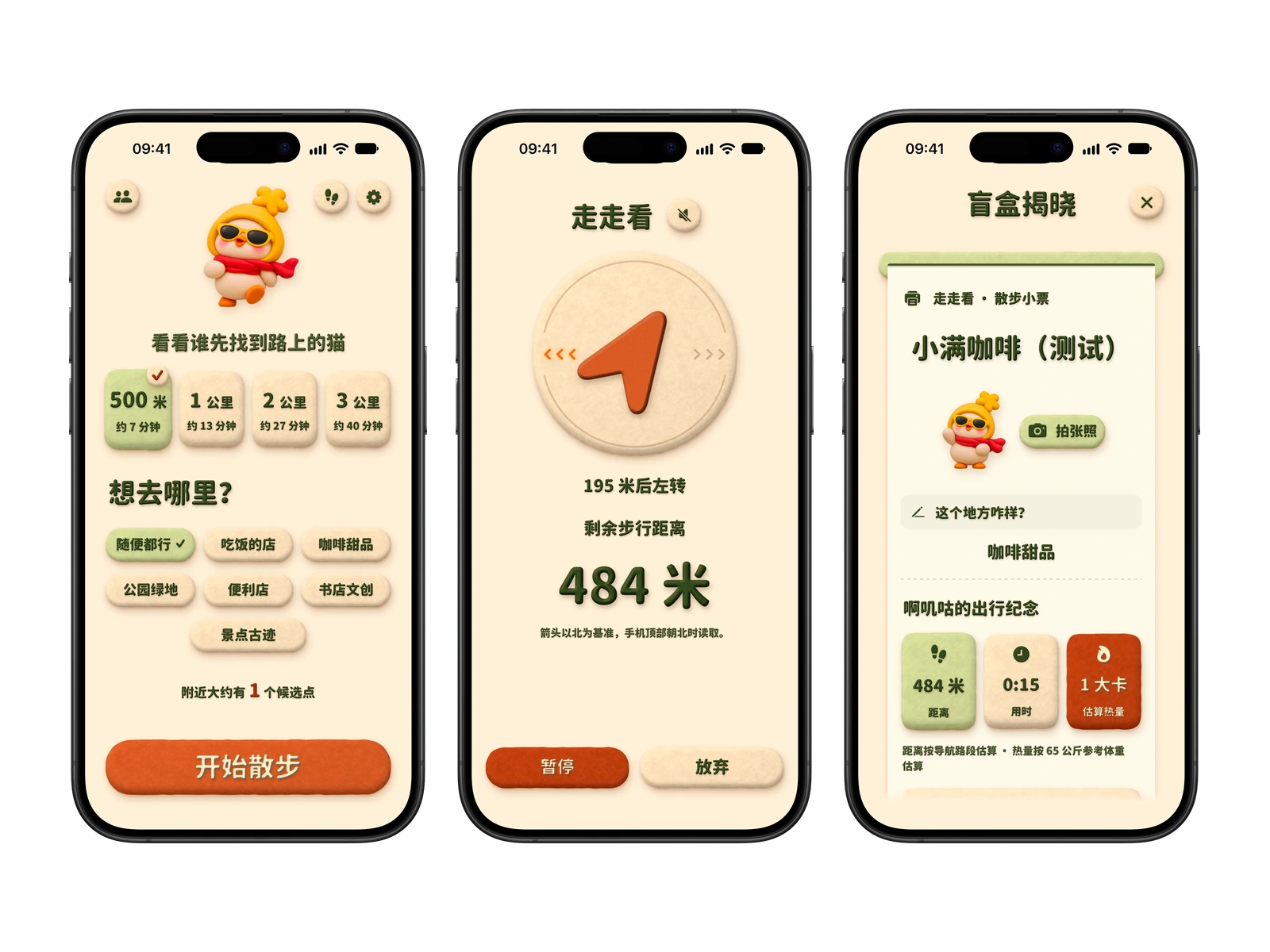
iPhone simulator screenshots using a sample route. The app interface is in Simplified Chinese.

Choose a distance and the kind of place you might like to find.
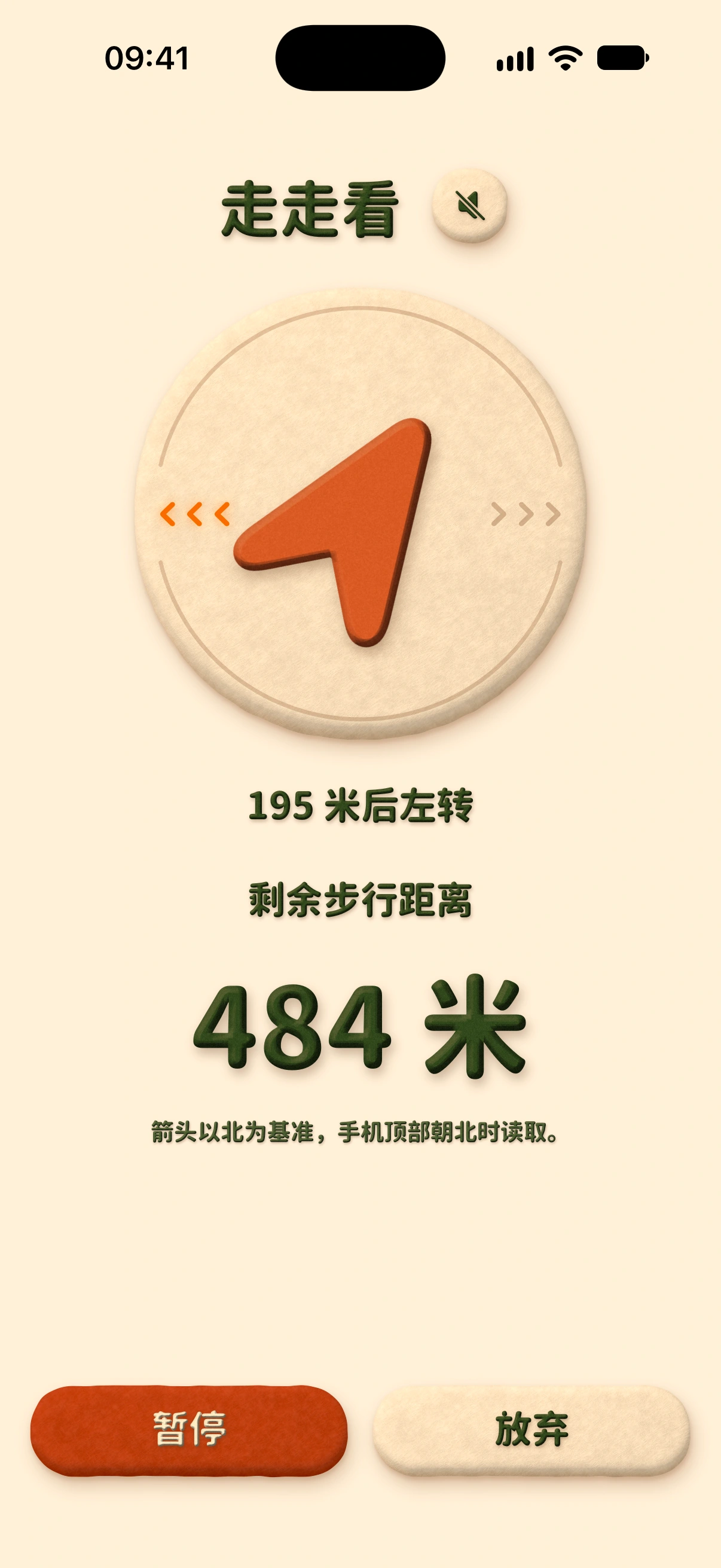
See your next turn and remaining distance as you go.
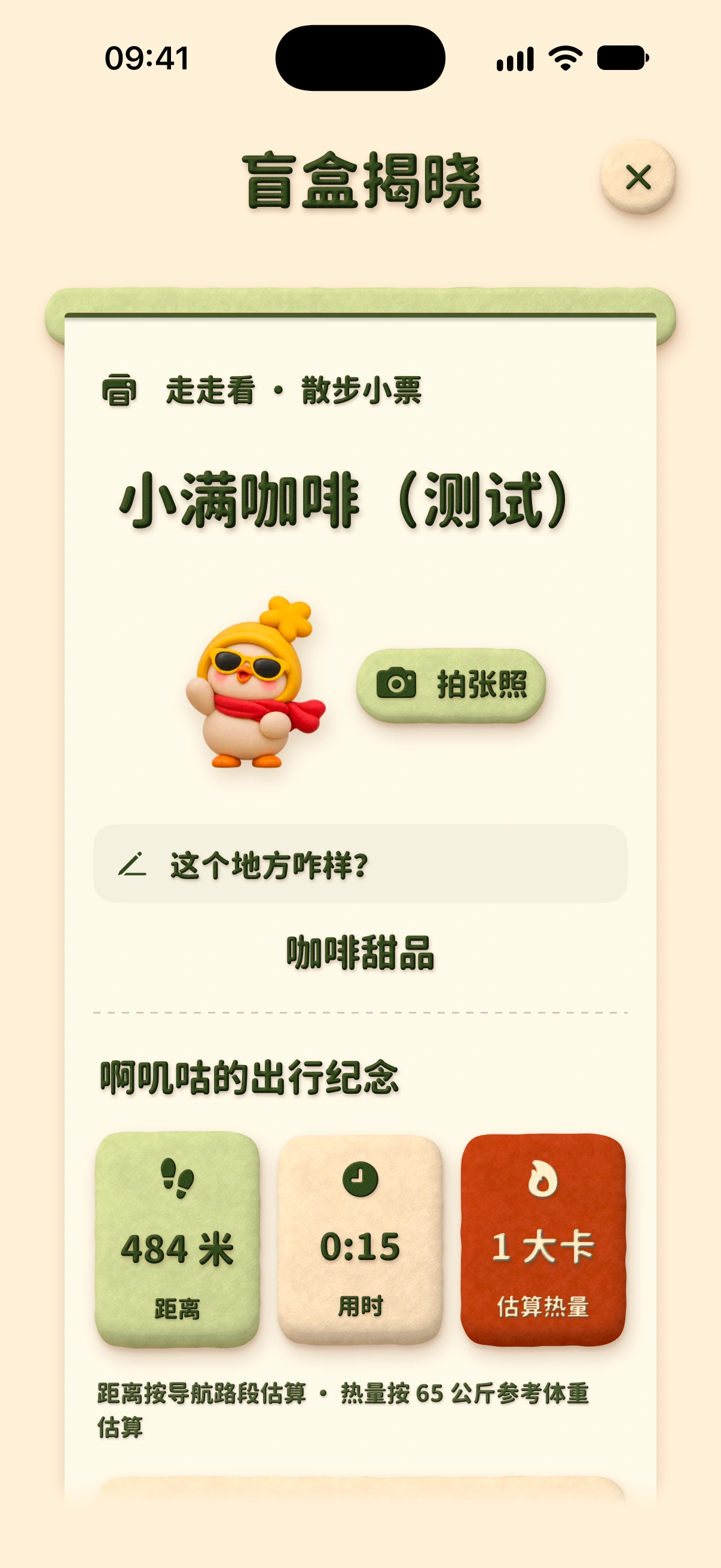
Discover the destination and add a photo or note to remember it.
Create a room and send an invitation to walk toward the same surprise destination.
Open past trips in Footprints and add photos or notes.
Follow directions and see the remaining distance. The destination name appears on your receipt when you arrive.